Best Calorie Tracking Apps If You Hate Logging Food
Find a calorie tracking workflow you can actually use: meal descriptions, photo suggestions, saved meals, recipes, and quick corrections.
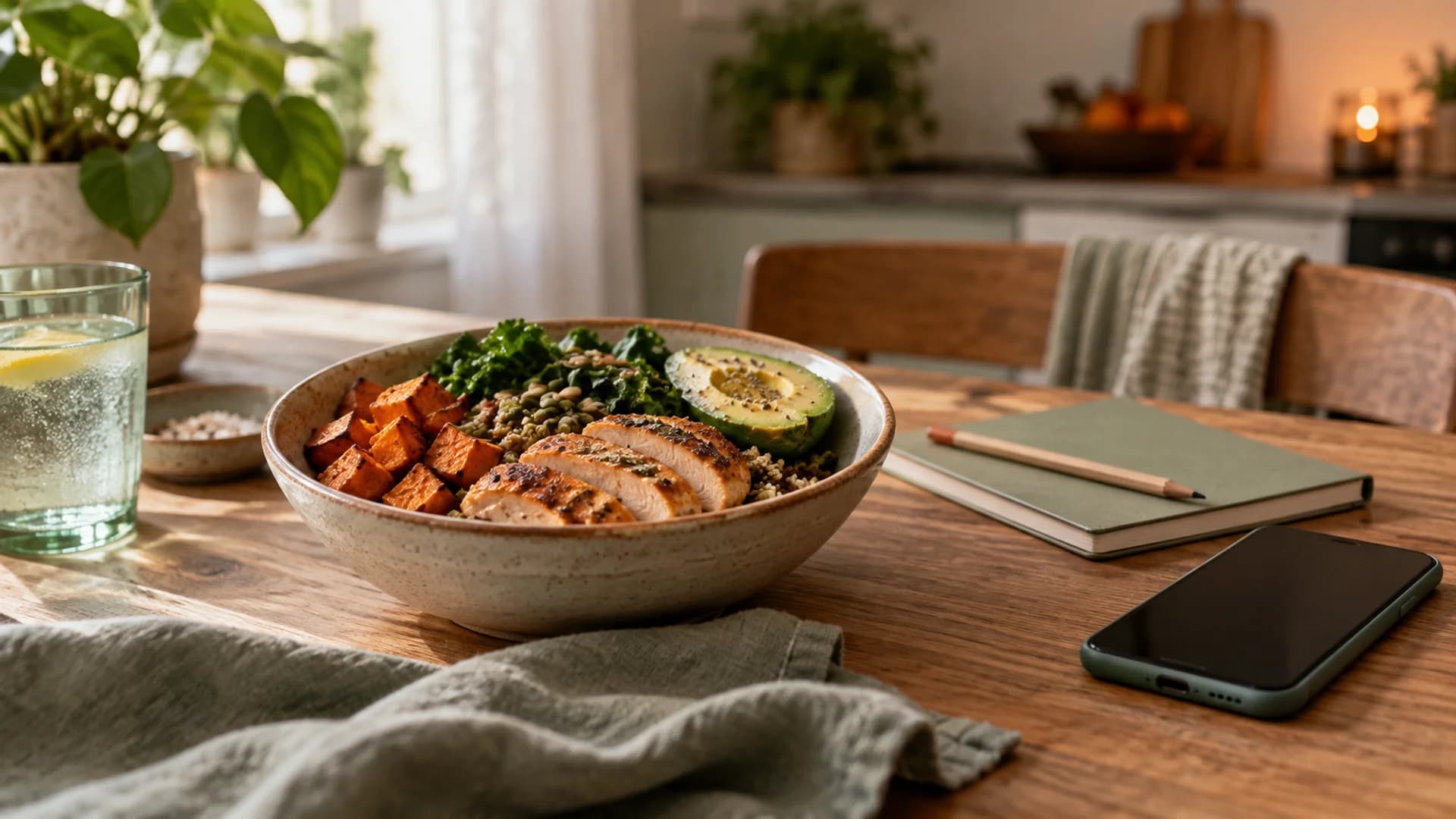
Quick answer. If food logging feels like a chore, identify the part you dislike before choosing an app. For repeated meals, saved meals and recipes in MyFitnessPal, Cronometer, or MacroFactor may remove the most work. For meals you can describe quickly, consider Mindful or MacroFactor Describe. For a photo-led start, compare the editable photo results in Cronometer, MacroFactor, and MyFitnessPal. The best workflow is the one that still works on a rushed Tuesday, not only during setup.
This is a guide to documented capabilities, not a timed test of app use or a claim that any product improves adherence. We checked public feature documentation on September 23, 2026. Mindful is our app, and its inclusion reflects our product perspective.
First, name the friction
“I hate logging” can mean several different things. Searching a food database is tedious when you eat mixed meals. Typing ingredients is tedious when you eat the same breakfast every day. Estimating a restaurant plate is frustrating because no app can see all its ingredients. Looking at a daily calorie number may feel unhelpful even if entry is fast.
| The task you dislike | Start with this capability | Apps to examine |
|---|---|---|
| Searching for every item in a mixed meal | Describe the meal in one sentence | Mindful; MacroFactor Describe |
| Re-entering your usual meals | Save a meal or recipe once and reuse it | MyFitnessPal; Cronometer; MacroFactor |
| Breaking a visible plate into items | Photo suggestions that remain editable | Cronometer; MacroFactor; MyFitnessPal |
| Fixing a wrong portion | Direct serving edits and ingredient changes | Mindful; Cronometer; MacroFactor; MyFitnessPal |
| Dividing a batch across several days | Recipe servings or cooked-weight portions | Cronometer; MacroFactor; MyFitnessPal recipes |
This table is a shortlist by task, not a performance ranking. An app can support a feature yet still feel awkward for the meals you eat.
If you repeat meals, build them once
The easiest log is often a meal you do not need to rebuild. MyFitnessPal distinguishes a saved meal, a group of foods logged together, from a recipe, a dish assembled from ingredients. MyFitnessPal saved meals Cronometer also separates custom meals from custom recipes and lets you adjust a saved meal. Cronometer custom meals MacroFactor supports custom recipes, including a final cooked weight when portions vary. MacroFactor recipes
Try saving only two or three meals you genuinely repeat. Your usual breakfast, coffee, and packed lunch are better candidates than an elaborate meal you made once. Check how the app handles a small variation, such as a different milk or an extra egg, before investing time in a large saved-food library.
If you hate searching, describe the meal
Writing “rice, grilled chicken, cucumber, and a spoonful of chili sauce” can be quicker than finding each food separately. Mindful turns an ordinary-language description into an initial calorie and macro estimate that you can review and correct. Mindful estimate walkthrough MacroFactor Describe turns typed or dictated food descriptions into editable entries on its plate. MacroFactor Describe
The description still needs useful details. “Chicken and rice” leaves the amount, cooking method, and sauce unclear. “One cup cooked rice, a palm-sized grilled chicken thigh, and a tablespoon of sauce” gives the app and you a better starting point. Treat the result as an estimate, especially when an ingredient is missing.
If a photo feels easier, check the next screen
A camera can start an entry, but it does not finish one reliably for every meal. Cronometer documents how to swap, add, delete, and resize foods returned by photo logging. Cronometer photo logging MacroFactor places photo results on an editable plate, and MyFitnessPal Meal Scan suggests foods you can select and adjust. MacroFactor AI food logging MyFitnessPal Meal Scan
Try a meal with a hidden ingredient, such as a sandwich with mayonnaise or a salad with dressing. The important measure is how easily you can add that ingredient, not whether the first image recognition screen looks impressive. Our photo, text, and barcode guide explains when each starting method helps.
What if numbers themselves are the problem?
Changing apps may not solve that problem. Some people want a record of what they ate without a calorie target, while others find any numeric logging makes meals more stressful. If tracking leads to anxiety, rigid rules, or compensation after meals, consider stepping back from calorie tracking and speaking with a qualified clinician or dietitian. Our guide to whether you should track calories covers that decision in more detail.
A realistic one-week trial
Before committing to a workflow, log one ordinary breakfast, one homemade dinner with leftovers, one packaged snack, and one restaurant meal. For each, note what you had to remember, how many corrections you made, and whether you could repeat the entry tomorrow. That is a practical evaluation plan, not a study we have run. If a method only feels easy for the first meal, it has not solved the problem you came with.
Mindful is built for the “I can tell you what I ate, but I do not want to search a database” case. You can write the meal, inspect the estimate, and correct it. See how Mindful works if that describes your logging style.