Photo vs Text vs Barcode: Which Food Logging Method Fits Your Meal?
Choose a food logging method for packaged snacks, homemade dishes, restaurant plates, and repeat meals, then check the details that matter.
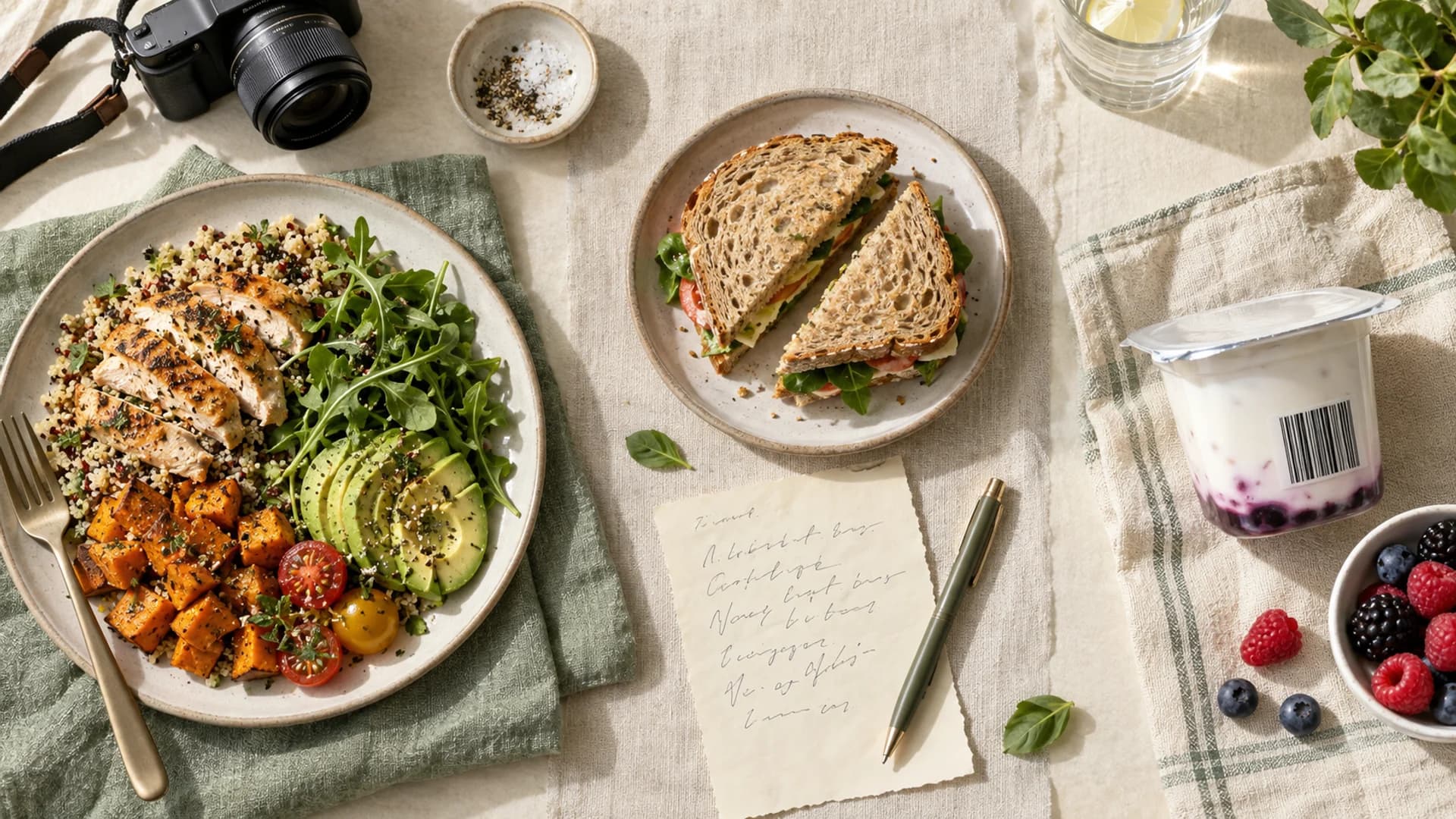
Quick answer. Use a barcode or label to identify a specific packaged product, text to describe details a photo cannot show, and a photo to start an entry for a visible plate when you can review its suggestions. For a recipe you cooked yourself, ingredient-based logging is usually the clearest way to divide the batch. Whatever the starting method, check the food, serving size, and missing ingredients before saving.
This is a decision guide, not a measured accuracy contest between input methods. The examples are illustrative and have not been run as an experiment. Mindful publishes this guide and supports text, photo, barcode, label, and manual entry.
| What you ate | Useful starting point | Check before saving |
|---|---|---|
| A sealed branded yogurt or snack | Barcode or nutrition label | Exact product, package size, and amount eaten |
| A sandwich you assembled | Text description or saved meal | Bread, fillings, spreads, and portions |
| A visible restaurant plate | Photo plus a written description when possible | Sauces, cooking fat, sides, and portion assumptions |
| A pot of homemade chili | Recipe from ingredients | Ingredient matches, finished yield, and your serving |
| Yesterday's identical breakfast | Saved meal or repeat entry | Any ingredient or portion that changed |
Barcode: identify the product, then verify the serving
A barcode points an app toward a product entry. It does not tell the app how much you ate. Product databases can also contain outdated or incomplete information, so compare the result with the package when the number matters. Cronometer's barcode guidance, for example, directs users to check and submit label details when a product is missing. Cronometer scan guide
For a single packaged food, scanning is often a clearer starting point than asking a camera to infer the brand from an unwrapped snack. If the scanner misses the product, manually enter the label or use another matching source. Mindful offers barcode and nutrition-label scanning alongside its written journal workflow.
Text: include what the camera cannot see
Text works well when you know the meal's ingredients but do not want to search for each one. “Pasta with sauce” leaves large gaps. “About one and a half cups of cooked pasta, tomato sauce, chicken, and a tablespoon of grated parmesan” gives a more reviewable starting point.
Mindful turns a meal description into estimated calories and macros, with interpreted food and portion details to inspect. Mindful estimate walkthrough MacroFactor's Describe feature similarly turns typed or dictated meal descriptions into editable foods, while advising that a branded item is better found through normal search or scanning. MacroFactor Describe
Text is especially helpful for concealed details such as butter used in cooking, a sauce inside a sandwich, or a drink outside the photo. It still depends on what you remember and describe.
Photo: a useful first draft for visible foods
A photo can reduce the work of listing obvious foods on a plate. MacroFactor's photo tool places foods on an editable plate; it also accepts a photo plus text. MacroFactor photo logging Cronometer returns matched foods that can be swapped, added, deleted, and resized. Cronometer photo logging MyFitnessPal Meal Scan offers suggested foods and serving adjustments. MyFitnessPal Meal Scan
The hard part is what a photograph cannot establish. Two similar-looking bowls may contain different amounts of oil, dressing, or nuts. A picture can also hide ingredients beneath the top layer. Treat the suggestion as a first draft and correct the list before logging.
Recipe entry: the better tool for a batch you know
For a homemade dish you cooked, you can record the ingredients directly and divide the finished dish by servings or weight. Cronometer and MacroFactor both document entering a cooked recipe weight, which helps when leftovers are not equal portions. Cronometer cooked weight MacroFactor recipes MyFitnessPal supports recipes made from imported or manually entered ingredients. MyFitnessPal recipe importer
If you want to calculate the recipe before logging it anywhere, use our recipe nutrition calculator. If the dish was made by someone else and the recipe is unavailable, use a clearly described serving and accept that the result is an estimate.
A simple order of operations
- Identify the food: use the label for a product, ingredients for your own recipe, and a description or photo for an unknown meal.
- Check the amount: a correct food matched to the wrong serving still produces the wrong entry.
- Add what is hidden: cooking oil, sauce, drinks, and toppings often deserve their own mention.
- Save a repeatable version: if you eat the meal often, a saved meal or recipe can reduce tomorrow's work.
You do not have to use one method for every meal. In Mindful, for example, you can write a homemade lunch and scan a packaged afternoon snack. See which apps let you correct meal estimates or explore Mindful for the review-first workflow.