Best AI Calorie Tracking Apps for iPhone: Choose by Logging Workflow
Compare AI calorie tracking apps for iPhone by how they capture a meal, let you inspect the result, and help you correct it.
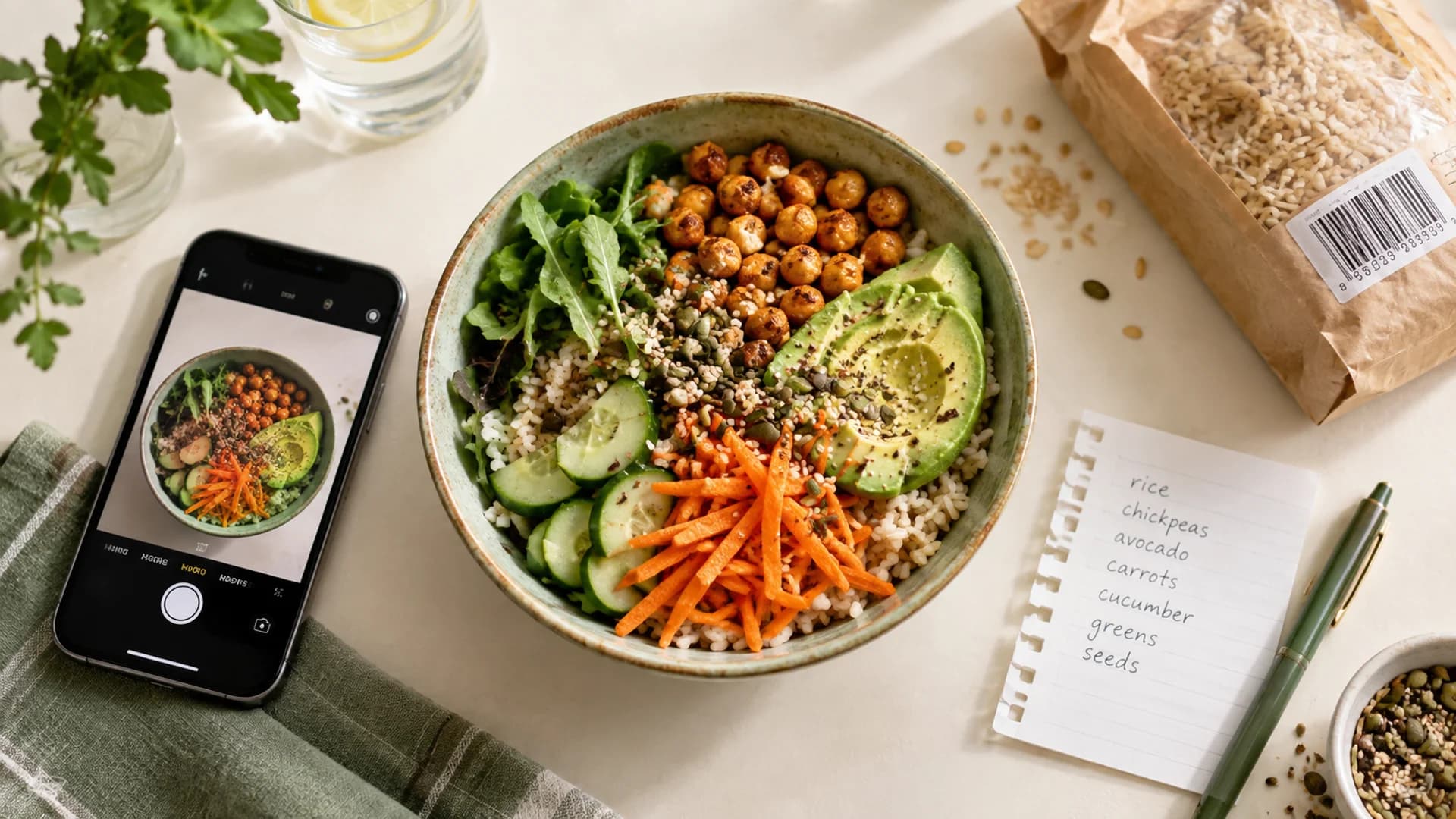
Quick answer. Choose an AI calorie tracker by the step after it recognizes a meal. Mindful suits people who want to describe food in their own words and inspect the assumptions behind an estimate. MacroFactor offers both a typed meal description and a photo-to-editable-foods workflow, alongside adaptive nutrition coaching. Cronometer is particularly useful when detailed nutrient data and carefully managed recipes matter. MyFitnessPal combines photo suggestions with a mature food diary and saved-meal tools. Cal AI is worth considering if taking a photo is the workflow you want to start with. None of these descriptions is a measured ranking for speed or accuracy.
This comparison covers documented iPhone capabilities as of September 23, 2026. We reviewed public product guidance and Mindful's published workflow; we did not run the same meals through all five apps. Mindful publishes this guide and has an interest in the comparison. Features and interface details can change, so check the app itself before relying on a particular workflow.
What makes an AI food log useful?
A photo or sentence can identify likely foods, but it cannot reliably reveal every ingredient, cooking oil, or portion weight. The useful questions are: Can you see what the app identified? Can you change an amount, replace a food, or add a missing ingredient before saving? Can you use a different entry method when the meal is better described by a package label or a recipe? For the limits of nutrition estimates, see how Mindful estimates calories.
| App | AI entry described by the publisher | What you can review or change | A distinctive reason to consider it |
|---|---|---|---|
| Mindful | Describe a meal; photo and scanning are other entry options | Review interpreted foods, portions, preparation assumptions, and available sources; correct an entry manually or with a written instruction | A writing-first food journal with inspectable estimates |
| MacroFactor | Describe by text or voice; analyze a photo, with optional accompanying text | Edit the foods and quantities placed on its logging plate | Food logging alongside adaptive calorie and macro coaching |
| Cronometer | Photo logging produces matched foods | Change servings; swap, add, or delete matched foods | Detailed nutrient data and custom recipe tools |
| MyFitnessPal | Meal Scan suggests foods from a photo | Select foods and adjust servings in the diary workflow | An established database, saved meals, and recipe importer |
| Cal AI | Photo, barcode, or meal description | Check the current in-app correction flow for your usual meals | A photo-first starting point |
The table describes capabilities, not how accurately or quickly each app performs. For example, a photo feature and a text feature can both be present while producing very different results for a bowl with hidden sauce.
Pick by the meal you usually log
You can describe your meal more clearly than you can photograph it
If lunch is “a turkey sandwich with two slices of cheese and mayonnaise,” those details may be more useful than a picture of a closed sandwich. Mindful starts with an everyday description and lets you review the resulting food, amount, and preparation assumptions. MacroFactor's Describe feature also turns typed or dictated meal descriptions into editable foods on its logging plate. MacroFactor says Describe searches common foods, rather than using a branded product name to identify that exact product. For a specific packaged item, use the product's label or a suitable database entry instead. MacroFactor's Describe guide
You want a photo to start the entry
MacroFactor can analyze a photo alone or a photo with a description, then place editable foods on its plate. MacroFactor's photo guide Cronometer's photo logging returns matched foods that you can replace, add, delete, or resize before adding them to the diary. Cronometer's photo guide MyFitnessPal's Meal Scan suggests foods from a photo and allows serving adjustments. MyFitnessPal's Meal Scan guide Mindful also accepts a photo, then asks you to review the resulting estimate.
Cal AI belongs in this shortlist because its product is organized around photographing a meal, though it also describes barcode and text entry. Cal AI product overview We have not verified its current correction controls in the app, so this guide does not score them against the other products. That is a reason to try one difficult meal before choosing it as your daily journal.
You want nutrition detail after the meal is logged
Cronometer is the clearest fit here. Its food and recipe tools are built around nutrient profiles, custom foods, and portions, including a way to enter the cooked weight of a recipe. Cronometer's foods guide Cooked recipe weight MacroFactor is the fit if your main question is how logged intake and weight trends should inform your targets over time. Mindful suits someone who wants a simpler journal but still wants to inspect and correct the assumptions behind an AI estimate.
A five-minute comparison you can do yourself
Use one meal you know well, such as oatmeal with milk, banana, and peanut butter. Try to enter the same amounts in each app you are considering. Record whether the first result includes all ingredients, whether portions are visible, how you correct the peanut butter amount, and whether the saved entry still makes sense when you return tomorrow. Repeat with one packaged food and one mixed restaurant meal. These three cases expose different strengths; a single attractive photo result does not establish that an app will fit the rest of your week.
If the main obstacle is remembering to log at all, read our guide to calorie tracking apps for people who hate logging. For a broader category view, see best calorie tracking apps.
Where Mindful fits
Mindful is our iPhone food journal. Write what you ate, review estimated calories and macros, and correct the entry before or after saving. Photos, barcodes, and nutrition-label scanning are additional ways to begin an entry. The estimate walkthrough shows the type of food and portion assumptions you can inspect. If you want a journal centered on meal descriptions and reviewable estimates, explore Mindful.